Moon Sweepers system requirements: PC Specs Guide
Check Moon Sweepers system requirements, minimum and recommended PC specs, storage needs, and Steam Deck status before launch.
Can Your PC Handle a Lunar Cleanup?
Cleaning the Moon starts with a toothbrush, but checking the Moon Sweepers system requirements starts with your graphics card. Comparing your PC with the published specifications now can help you avoid buying a game your hardware cannot comfortably handle. The Moon Sweepers system requirements list 8 GB of RAM, 2 GB of available storage, and a GTX 1650 or Radeon RX 570 at the minimum tier.
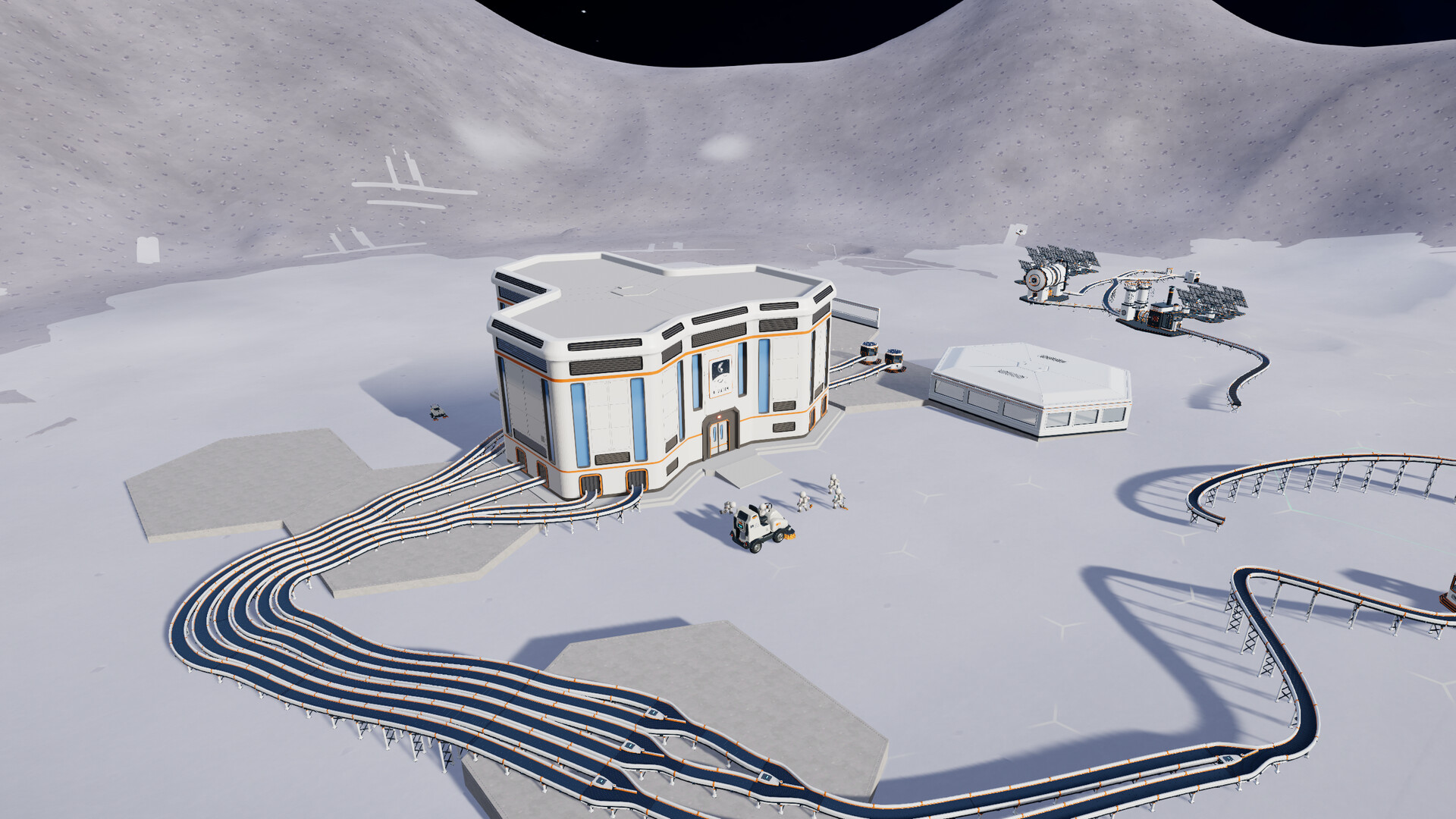
Official screenshot · Source: Steam store
Developed and published by DragDrop Games, this lunar cleaning simulator is scheduled to launch on October 23, 2026. You can work alone or join an online crew of up to 16 players, gathering dust and turning the proceeds into better equipment.
This guide uses the Steam specifications available as of October 20, 2026. These are prerelease requirements, not benchmark results: the listing does not attach a target resolution, graphics preset, or frame rate to either hardware tier.
Moon Sweepers System Requirements: Minimum and Recommended
The official Moon Sweepers Steam listing provides separate minimum and recommended configurations. Both require a 64-bit processor and operating system, along with a broadband internet connection.
| Component | Minimum requirements | Recommended requirements |
|---|---|---|
| Operating system | Windows 10, 64-bit | Windows 11, 64-bit |
| Intel processor | Intel Core i5-8400 | Intel Core i5-10400 |
| AMD processor | AMD Ryzen 5 2600 | AMD Ryzen 5 3600 |
| Memory | 8 GB RAM | 8 GB RAM |
| NVIDIA graphics | GeForce GTX 1650 | GeForce GTX 1660 Super |
| AMD graphics | Radeon RX 570 | Radeon RX 5600 XT |
| DirectX | Version 11 | Version 12 |
| Network | Broadband internet connection | Broadband internet connection |
| Storage | 2 GB available space | 2 GB available space |
The processor and graphics entries are alternatives. You do not need both an Intel and AMD processor, or both an NVIDIA and AMD graphics card.
What the minimum specifications tell you
The minimum configuration is the developer’s published entry point. If your computer falls below it, you should not assume the game will run acceptably, even if installation is possible.
However, meeting the minimum does not establish a specific performance result. Steam does not say that a GTX 1650 delivers 60 FPS at 1080p, for example. Any such claim would require testing that is not included in the supplied sources.
Treat the minimum tier as an initial compatibility check rather than a promise about visual quality or smoothness.
What changes at the recommended tier?
The recommended configuration raises the CPU and GPU requirements, changes the listed operating system to Windows 11, and lists DirectX 12 rather than DirectX 11.
Memory and storage remain unchanged. That makes the graphics card and processor particularly important when comparing the two tiers.
The Moon Sweepers system requirements also leave several practical questions unanswered:
- No specific VRAM capacity is stated.
- No SSD requirement is listed.
- No separate hosting specifications are provided.
- No performance target is given for a full 16-player lobby.
Those omissions matter when deciding whether an upgrade is necessary. Avoid spending money to meet an assumed requirement that the developer has not actually published.
How to Compare Your PC With the Published Specs
You can check the most important parts of your Windows PC in a few minutes. Write down the exact component names rather than relying on labels such as “gaming laptop” or “Core i5.”
| What to check | Where to look in Windows | What to record |
|---|---|---|
| Processor | Settings → System → About | Full CPU model |
| Installed memory | Settings → System → About | Total installed RAM |
| Windows version | Settings → System → About | Edition, version, and system type |
| Graphics card | Task Manager → Performance → GPU | Exact GPU model |
| Free storage | File Explorer → This PC | Available space on the intended drive |
| DirectX information | Press Windows + R, enter dxdiag | DirectX version and display-device information |
A processor’s family name is not enough to establish compatibility. An older Core i7 is not automatically a better match than the listed Core i5-8400. Likewise, “Radeon graphics” does not tell you whether a machine contains a dedicated RX 570 or an integrated graphics solution.
Compare the whole machine, not one component
When checking the Moon Sweepers system requirements, use the weakest relevant component as your warning sign. A powerful graphics card does not remove the need for sufficient memory or a suitable processor.
These examples show how to interpret the published list without inventing performance estimates:
| Example configuration | Comparison with the listing | Practical takeaway |
|---|---|---|
| Core i5-8400, GTX 1650, 8 GB RAM, Windows 10 | Matches the named minimum components | Meets the published minimum tier; FPS is unspecified |
| Ryzen 5 3600, RX 5600 XT, 8 GB RAM, Windows 11 | Matches the named recommended components | Meets the published recommended tier |
| Core i5-10400, GTX 1650, 8 GB RAM | Recommended Intel CPU, minimum NVIDIA GPU | Does not match the complete recommended configuration |
| Suitable CPU and GPU, but 4 GB RAM | Below the listed memory requirement | Does not meet the published minimum |
| Laptop advertised only as having “integrated graphics” | Insufficient GPU detail | Identify the exact graphics hardware before deciding |
Each example also assumes the other requirements, including storage, DirectX compatibility, and broadband access, are satisfied.
Be careful with laptop comparisons
Laptop and desktop graphics cards with similar names should not automatically be treated as identical. Power limits, cooling, and the exact GPU configuration can affect performance.
If you use a laptop, identify its full model and graphics hardware. For testing after release, plug it into power and confirm that the game uses the dedicated GPU if one is available. These are general troubleshooting steps, not verified Moon Sweepers optimizations.
RAM, Storage, and Co-op: What Matters Before Launch
The Moon Sweepers system requirements are relatively straightforward on memory and disk space: both tiers list 8 GB RAM and 2 GB available storage. Neither figure should be interpreted more broadly than the listing supports.
Is 8 GB of RAM enough?
Eight gigabytes meets the published memory requirement for both tiers. There is no official 16 GB requirement in the supplied listing.
If your PC has 8 GB, closing unnecessary applications before playing can reduce competition for memory. Browsers with many open tabs, recording software, and background launchers are sensible places to start.
That does not mean you need to purchase more RAM immediately. First confirm that your CPU and GPU also match the requirements, then evaluate actual performance once the game is available.
How much storage should you leave free?
Steam lists 2 GB of available space, not a confirmed download size. Download size, installed size, and temporary update-space needs are different measurements.
Keep some space available beyond the stated requirement rather than filling the drive to its limit. The sources do not specify how much extra room future updates might need.
| Question | Confirmed information | What remains unspecified |
|---|---|---|
| How much available space is required? | 2 GB at both tiers | Future storage growth |
| Is an SSD mandatory? | No SSD requirement is listed | HDD-versus-SSD loading differences |
| Is the download exactly 2 GB? | Only available-space requirements are given | Download size |
| Is broadband listed? | Yes, for both tiers | Minimum connection speed |
| Does solo play work offline? | Single-player is supported | Offline authentication and connectivity behavior |
What about 16-player co-op?
Moon Sweepers supports online sessions with up to 16 players. Players collect dust, deliver it for payment, and invest in tools, carrying capacity, depots, and cleaning vehicles.
The developer has not published separate CPU, RAM, or internet requirements for hosting a full crew. There is also no supplied benchmark showing how a busy multiplayer session compares with solo play.
For online sessions, use a stable connection and pause large background downloads. This is general multiplayer advice, not evidence that the game requires a particular bandwidth or latency threshold. Single-player support also should not be treated as proof of unrestricted offline play.
Windows, Steam Deck, and a Sensible Launch-Day Plan
The published Moon Sweepers system requirements cover Windows PCs. Windows 10 appears in the minimum column, while Windows 11 appears in the recommended column.
That distinction does not establish separate measured performance results for the two operating systems. It simply identifies the configurations the developer has listed.
Is Moon Sweepers supported on Steam Deck?
As of October 20, 2026, Steam Deck compatibility is marked Unknown. That is neither a Verified rating nor confirmation that the game is unsupported.
The supplied material also does not provide native macOS or Linux requirements.
| Platform | Status in the supplied listing | Buying advice |
|---|---|---|
| Windows 10 PC | Listed at minimum tier | Compare CPU, GPU, RAM, and other requirements |
| Windows 11 PC | Listed at recommended tier | Check the complete configuration, not just the OS |
| Steam Deck | Compatibility unknown | Wait for compatibility testing or an updated rating |
| macOS | No native requirements supplied | Do not assume native support |
| Linux desktop | No native requirements supplied | Do not assume compatibility-layer support |
Prepare without buying unnecessary upgrades
Before launch, work through this short checklist:
- Record your exact specifications. Include the CPU, GPU, RAM, and Windows version.
- Check available drive space. Make sure the intended installation drive meets the listed requirement.
- Use current graphics drivers. Obtain them through your GPU manufacturer’s official tools.
- Review the Steam page again near release. Prerelease specifications can change.
- Wait for measured results if your hardware is borderline. Prioritize tests using comparable components.
If you meet only the minimum tier, start conservatively with whatever graphics options the release version provides. Adjust one setting at a time so you can tell whether it helps.
Most importantly, do not read a guaranteed frame rate into the Moon Sweepers system requirements. The published specifications are useful for screening your PC, but actual resolution, settings, multiplayer conditions, and post-launch testing will provide the clearer picture.
FAQ: Moon Sweepers System Requirements
What are the minimum Moon Sweepers system requirements?
The minimum specifications are Windows 10, a Core i5-8400 or Ryzen 5 2600, 8 GB RAM, and a GTX 1650 or Radeon RX 570. You also need DirectX 11, broadband internet, 2 GB of available storage, and a 64-bit processor and operating system.
Does Moon Sweepers require 16 GB of RAM or an SSD?
Neither is listed as mandatory. Both minimum and recommended configurations specify 8 GB RAM and 2 GB of available storage. The Steam listing does not state an SSD requirement or provide storage-performance comparisons.
Can I play Moon Sweepers on Steam Deck?
Compatibility is unconfirmed in the supplied listing, which labels Steam Deck support as Unknown. Wait for an updated compatibility rating or reliable testing rather than assuming Windows PC requirements establish Steam Deck performance.
When does Moon Sweepers release, and how many players can join?
Moon Sweepers is scheduled for release on Steam on October 23, 2026. It supports solo play and online co-op with up to 16 players. Separate requirements for hosting a full multiplayer lobby have not been published in the supplied sources.
Related Guides
Moon Sweepers 2 GB storage: PC Requirements
Check Moon Sweepers' 2 GB storage requirement, minimum and recommended PC specs, and practical tips to prepare for its October 23 launch.
Moon Sweepers 8 GB RAM: PC Requirements Explained
Check Moon Sweepers 8 GB RAM requirements, compare minimum and recommended PC specs, and learn what to verify before the October 23 launch.
Moon Sweepers AMD Radeon RX 570: Requirements Guide
Check Moon Sweepers RX 570 compatibility, full PC requirements, driver preparation, and what the minimum specs mean before launch.
Moon Sweepers carrying capacity: Upgrade Guide
Learn how Moon Sweepers carrying capacity upgrades fit into dust collection, depot deliveries, and smarter progression before launch.
Moon Sweepers developer: DragDrop Games Launch Guide
Meet Moon Sweepers developer DragDrop Games and explore the October 23 Steam release, 16-player co-op, gameplay, and PC requirements.