Moon Sweepers DirectX 11: PC Requirements Explained
Check Moon Sweepers DirectX 11 requirements, compare minimum and recommended PC specs, and learn how to verify your graphics compatibility.
Can Your PC Handle Moon Sweepers?
Cleaning the Moon with a toothbrush sounds demanding enough without discovering that your PC cannot launch the game. Moon Sweepers DirectX 11 requirements matter because they establish the minimum graphics API listed for this lunar cleanup simulator. If you are checking Moon Sweepers DirectX 11 compatibility before buying, the key distinction is simple: Steam lists DirectX 11 under minimum requirements and DirectX 12 under recommended requirements.
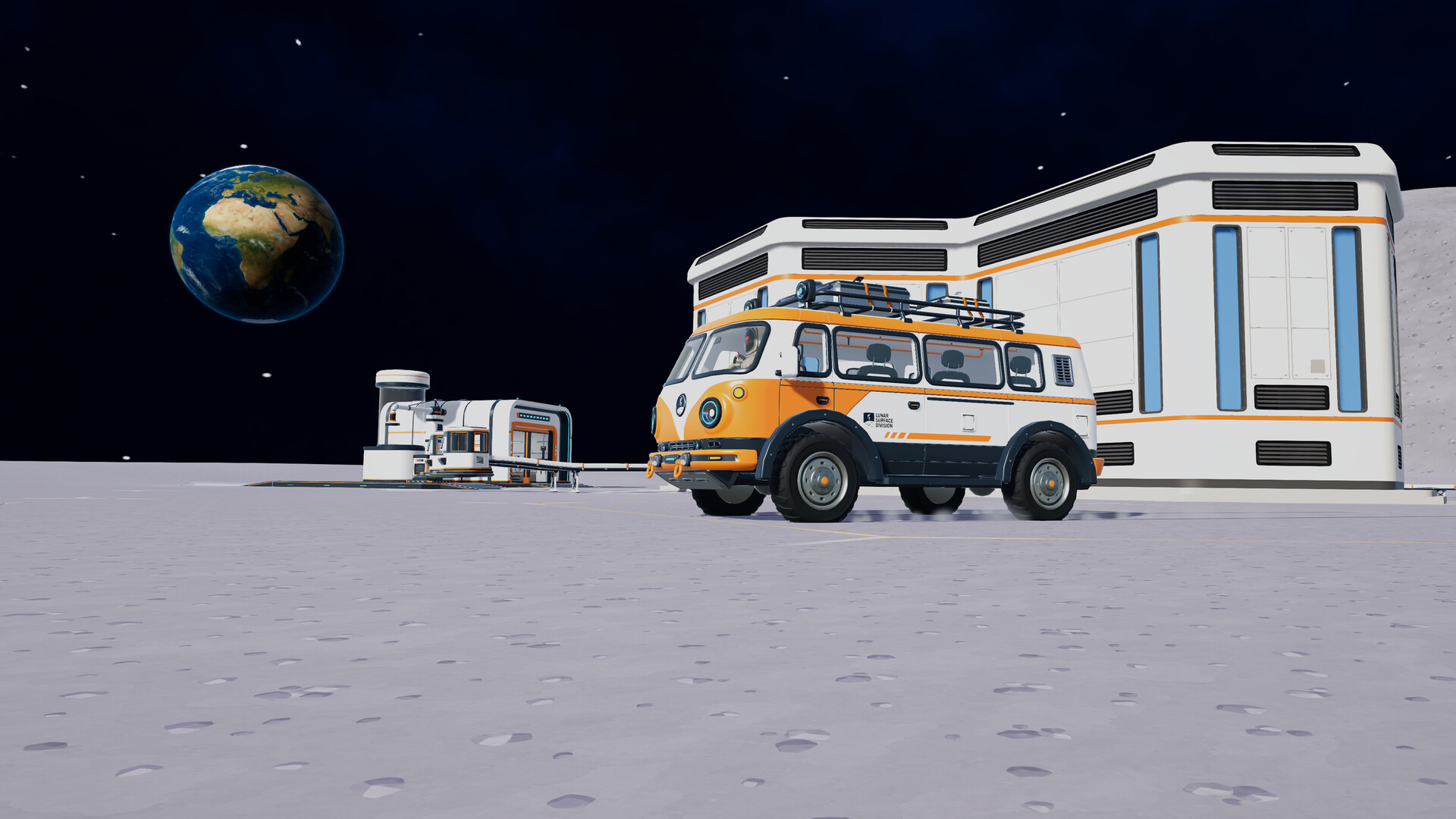
Official screenshot · Source: Steam store
That does not mean a DirectX version number alone determines whether your computer is ready. Your graphics card, processor, memory, and operating system also need attention.
As of October 20, 2026, Moon Sweepers is scheduled to launch on October 23, 2026. The guidance below uses its published requirements, not hands-on benchmarks or post-release player reports.
Moon Sweepers DirectX 11 Minimum and Recommended Specs
The official Moon Sweepers Steam listing provides two hardware tiers. Both require a 64-bit processor and operating system, 8 GB of RAM, and 2 GB of available storage.
| Component | Minimum requirements | Recommended requirements |
|---|---|---|
| Operating system | Windows 10, 64-bit | Windows 11, 64-bit |
| Intel processor | Core i5-8400 | Core i5-10400 |
| AMD processor | Ryzen 5 2600 | Ryzen 5 3600 |
| NVIDIA graphics | GeForce GTX 1650 | GeForce GTX 1660 Super |
| AMD graphics | Radeon RX 570 | Radeon RX 5600 XT |
| Memory | 8 GB RAM | 8 GB RAM |
| DirectX | Version 11 | Version 12 |
| Available storage | 2 GB | 2 GB |
| Network | Broadband internet connection | Broadband internet connection |
The Intel and AMD processors are alternatives, as are the NVIDIA and AMD graphics cards. You do not need hardware from both manufacturers.
What the minimum tier actually tells you
The minimum specification is the developer’s published baseline. It does not establish a verified frame rate, resolution, or graphics preset.
For example, a desktop with an Intel Core i5-8400, GTX 1650, and 8 GB RAM matches the named minimum components. That is a useful compatibility reference, but it is not proof of a locked 60 FPS experience at 1080p.
The supplied requirements do not identify:
- A target frame rate for either hardware tier.
- A target display resolution.
- Specific low, medium, or high graphics presets.
- Separate requirements for hosting multiplayer sessions.
- An SSD requirement.
Keep those omissions in mind when comparing your system. A precise specification list is not the same as a performance benchmark.
What changes at the recommended tier?
The recommended specification raises the CPU and GPU targets, changes the listed operating system to Windows 11, and lists DirectX 12 instead of DirectX 11. Memory and storage remain unchanged.
If you are buying hardware specifically for this game, use the recommended components as the stronger published reference point. However, wait for reliable testing before paying extra for a particular resolution or frame-rate goal.
DirectX 11 vs. DirectX 12: What the Listing Confirms
The Moon Sweepers DirectX 11 listing answers an important compatibility question: DirectX 12 is not listed as the minimum requirement. It appears in the recommended column instead.
However, these two entries do not explain exactly how the released game will expose its graphics options.
| Question | What is confirmed | What remains unconfirmed |
|---|---|---|
| Is DirectX 11 listed? | Yes, under minimum requirements | The exact launch-time renderer behavior |
| Is DirectX 12 listed? | Yes, under recommended requirements | Whether it improves performance on a particular PC |
| Can players select an API in-game? | Not established by the supplied sources | Whether a renderer menu exists |
| Is there a supported DX11 launch argument? | No argument is documented in the supplied sources | The correct command, if one is supported |
| Are DX11 and DX12 benchmarks available here? | No | Relative frame rates, stability, and frame pacing |
Do you need to force DirectX 11?
Not based on the available information. There is no documented requirement to add a Steam launch argument before playing.
You may encounter generic advice suggesting commands such as -dx11 or -d3d11. These are not universal Windows commands, and their behavior depends on the game. Neither argument is confirmed for Moon Sweepers in the supplied material.
Start with the default launch configuration. If the developer later documents a renderer selector or supported command, follow that game-specific guidance rather than assuming another title’s fix applies.
Does having DirectX 12 mean DirectX 11 games cannot run?
No. A Windows installation reporting DirectX 12 does not, by itself, indicate a problem with DirectX 11 games. You generally do not need to downgrade DirectX.
The useful distinction is between the DirectX runtime available through Windows and the graphics capabilities exposed by your GPU and driver. A newer runtime label cannot turn an unsupported graphics card into a supported one.
For Moon Sweepers DirectX 11 checks, compare the actual GPU model with the listed GTX 1650 or RX 570 baseline rather than relying only on the version shown in Windows.
How to Check Your PC Before Release
You can perform a useful readiness check without installing third-party diagnostic software. Start with Windows’ built-in tools, then compare what you find against the official hardware table.
| Step | Where to check | What to record |
|---|---|---|
| 1 | Settings → System → About | Processor, installed RAM, Windows edition, and system type |
| 2 | Press Windows + R, enter dxdiag | DirectX version on the System tab |
| 3 | Open the Display tabs in dxdiag | GPU name, driver details, and listed feature levels |
| 4 | Task Manager → Performance | Available GPUs and current memory usage |
| 5 | File Explorer → This PC | Free space on the intended installation drive |
Read the DirectX Diagnostic Tool carefully
After opening dxdiag, distinguish the DirectX Version entry on the System tab from the Feature Levels information on the Display tab.
The first describes the installed DirectX runtime version. The second helps identify capabilities exposed by the graphics hardware and driver. The Steam listing does not specify an exact Direct3D feature-level requirement, so do not invent one from its “Version 11” entry.
If your results are unclear, save the diagnostic report for troubleshooting. It gives support staff more useful information than a message saying only that your computer “has DirectX.”
Check the GPU, especially on laptops
Some laptops contain both integrated graphics and a dedicated NVIDIA or AMD GPU. Identifying the dedicated GPU is important because an installed graphics card is not necessarily the one a game is using.
Once the game is installed, Windows graphics settings may let you assign its executable to the high-performance GPU. This is a general troubleshooting step, not a confirmed Moon Sweepers-specific requirement.
Also, treat similarly named laptop and desktop graphics products cautiously. Model names alone do not guarantee identical performance.
Leave room beyond the listed installation size
Steam lists 2 GB of available space, but that should not be treated as a permanent ceiling for installation and updates. Leave additional free space for downloads, temporary files, and future patches.
The published requirements do not demand an SSD. If you have one available, it can be a sensible installation location, but no game-specific loading-time advantage has been measured in the supplied sources.
Practical Setup Tips and Compatibility Limits
A sensible Moon Sweepers DirectX 11 preparation plan focuses on verified requirements first and speculative fixes last. Updating drivers and checking your hardware are more useful than copying an unconfirmed launch command.
| Situation | Sensible next action | Important limitation |
|---|---|---|
| Your GPU matches the minimum tier | Update its driver and begin with default launch settings | Matching specifications does not guarantee a particular FPS |
| Your GPU is below the listed baseline | Look for testing of that exact GPU after release | DirectX support alone does not establish sufficient performance |
| Your PC has only 8 GB RAM | Close unnecessary memory-heavy applications | This does not replace meeting the other requirements |
| Windows reports DirectX 12 | Check your GPU model and driver normally | Downgrading DirectX is not a standard preparation step |
| The game fails to start | Verify files, update drivers, and check official support guidance | The cause may not be the graphics API |
| You plan a full co-op session | Confirm a stable broadband connection | No separate 16-player host specification is provided |
Prepare for co-op without assuming extra specifications
Moon Sweepers supports solo play and online co-op for up to 16 players. Its progression revolves around gathering lunar dust, selling shipments, and purchasing better tools, carrying capacity, depots, and cleaning vehicles.
The published requirements include broadband internet at both hardware tiers. They do not provide bandwidth figures, latency targets, or a separate host-PC specification.
For online sessions, a stable connection is a practical priority. Avoid large background downloads while playing, and consider a wired connection if your Wi-Fi is unreliable. These are general networking recommendations, not measured fixes for this game.
Keep pre-release expectations realistic
As of the reference date, the supplied Steam page shows no user reviews. There are also no benchmark results or community reports in the provided material.
That means there is no supported basis here for claiming that:
- DirectX 11 is faster or more stable than DirectX 12.
- Integrated graphics can deliver acceptable performance.
- A minimum-spec PC maintains 60 FPS with 16 players.
- Steam Deck compatibility is verified.
Steam Deck compatibility is listed as unknown. The Windows requirements should not be treated as confirmation of handheld or Linux compatibility.
The most useful takeaway from the Moon Sweepers DirectX 11 requirements is therefore a hardware checklist—not a performance promise.
FAQ
Does Moon Sweepers support DirectX 11?
The official Steam requirements list DirectX 11 in the minimum column and DirectX 12 in the recommended column. This makes Moon Sweepers DirectX 11 compatibility part of the published baseline, although the supplied sources do not document renderer selection or launch commands.
Can I run Moon Sweepers on Windows 10?
Windows 10 is the listed minimum operating system, alongside a 64-bit processor and OS requirement. Your computer must also meet the CPU, graphics, memory, storage, and network requirements. Windows 11 appears in the recommended tier.
How much RAM and storage does Moon Sweepers need?
Both hardware tiers list 8 GB RAM and 2 GB of available storage. Leave extra drive space for installation activity and updates, and close unnecessary background applications if your system has limited available memory.
Should I use a DirectX 11 Steam launch option?
Start with the default configuration. The supplied official information does not confirm a supported DirectX 11 launch argument or an in-game API switch. If you encounter problems after release, check developer guidance before adding commands. Matching the published hardware requirements remains the best first step.
Related Guides
Moon Sweepers 2 GB storage: PC Requirements
Check Moon Sweepers' 2 GB storage requirement, minimum and recommended PC specs, and practical tips to prepare for its October 23 launch.
Moon Sweepers 8 GB RAM: PC Requirements Explained
Check Moon Sweepers 8 GB RAM requirements, compare minimum and recommended PC specs, and learn what to verify before the October 23 launch.
Moon Sweepers AMD Radeon RX 570: Requirements Guide
Check Moon Sweepers RX 570 compatibility, full PC requirements, driver preparation, and what the minimum specs mean before launch.
Moon Sweepers carrying capacity: Upgrade Guide
Learn how Moon Sweepers carrying capacity upgrades fit into dust collection, depot deliveries, and smarter progression before launch.
Moon Sweepers developer: DragDrop Games Launch Guide
Meet Moon Sweepers developer DragDrop Games and explore the October 23 Steam release, 16-player co-op, gameplay, and PC requirements.