Moon Sweepers Steam Cloud: Save Support Explained
Moon Sweepers lists Steam Cloud support. Learn what is confirmed, what remains unknown, and how to prepare for safer save syncing at launch.
Does Moon Sweepers Support Steam Cloud?
Starting with a toothbrush is funny; losing the progress that earned you better equipment would be less entertaining. Moon Sweepers Steam Cloud support is listed on the official Steam store page, making it relevant if you plan to move your lunar cleanup operation between computers. However, the Moon Sweepers Steam Cloud listing confirms the feature’s presence—not exactly which files sync or how multiplayer saves work.
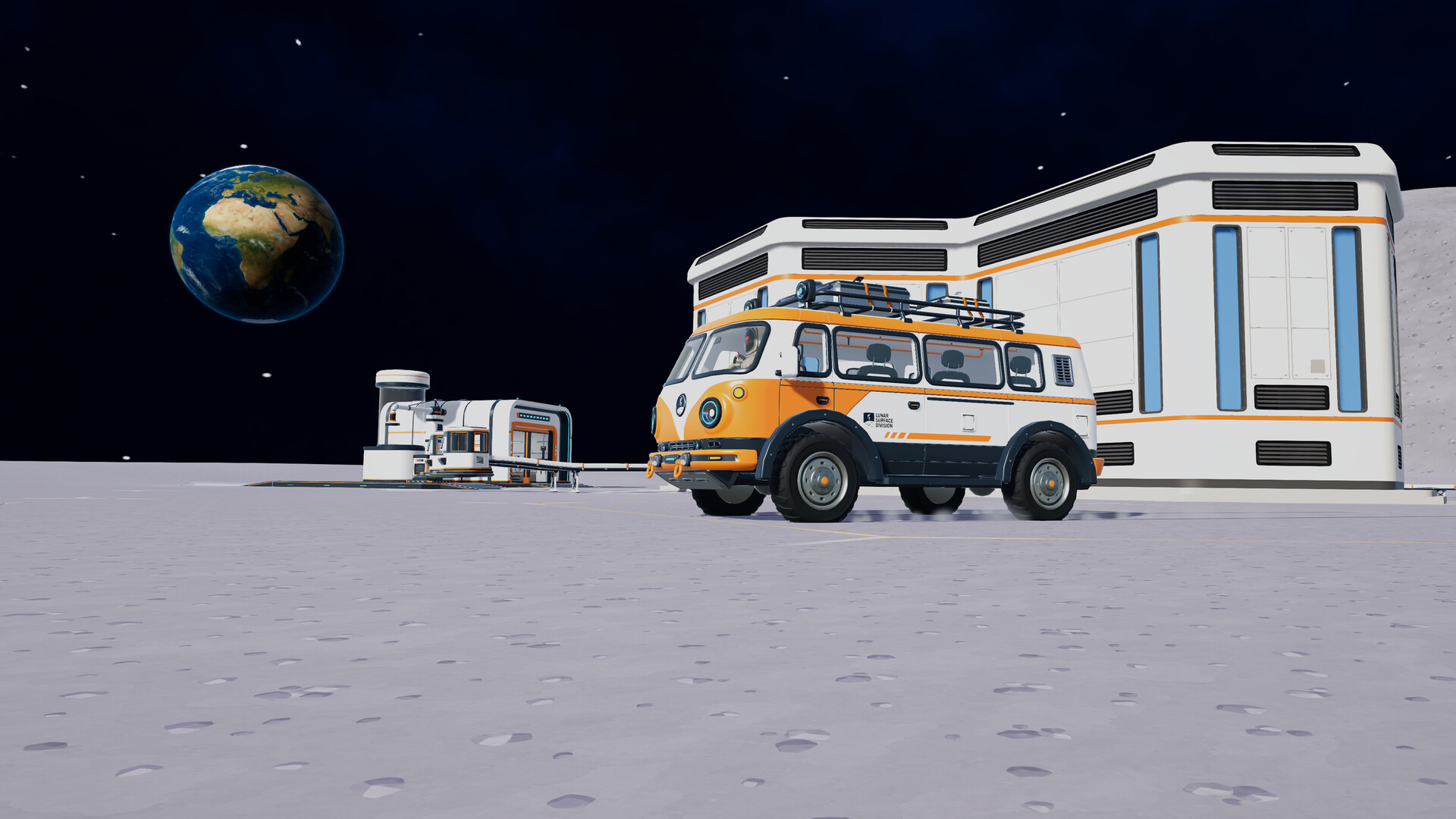
Official screenshot · Source: Steam store
As of October 20, 2026, DragDrop Games’ cleanup simulation is scheduled to launch on October 23, 2026. That makes this a prelaunch guide: the store listing provides useful confirmation, but the supplied sources do not include hands-on cloud-save testing.
The practical takeaway is straightforward: Steam Cloud is advertised, while save-file coverage, co-op ownership, and device-to-device reliability still need clarification.
| Question | Confirmed information as of October 20, 2026 |
|---|---|
| Is Steam Cloud listed? | Yes, in the official Steam feature list |
| Is the game available yet? | Not yet; release is planned for October 23, 2026 |
| Can you play alone? | Yes, single-player is listed |
| How large can an online crew be? | Up to 16 players |
| Is saving during play advertised? | Yes, “Save Anytime” appears under accessibility features |
| Is Steam Deck compatibility confirmed? | No; its status is listed as Unknown |
You can check the current feature badges and release information on the official Moon Sweepers Steam store page.
What Moon Sweepers Steam Cloud Support Actually Confirms
Steam Cloud generally lets supported games synchronize designated save data or other files through your Steam account. Its usefulness depends on what the developer configures the game to upload.
For Moon Sweepers, the official listing establishes that cloud support is advertised. It does not provide a file-by-file explanation of the implementation.
That distinction matters because a feature badge is not a complete save-system specification. It does not automatically establish that every world, player profile, graphics preference, or multiplayer record travels between devices.
Confirmed features versus unanswered questions
The available material describes a progression-focused game. You gather lunar dust, deliver it for payment, and spend those earnings on improved equipment. Depots and cleaning vehicles expand the operation as you advance.
Those systems give players good reasons to care about persistent saves. However, neither supplied source identifies how that progress is divided among save files.
| Topic | What the sources establish | What remains unconfirmed |
|---|---|---|
| Cloud support | Steam Cloud appears in the feature list | Exact synchronized files and limits |
| Saving flexibility | “Save Anytime” is advertised | Save slots, autosave timing, and menu behavior |
| Equipment progression | Better tools and carrying capacity are available | How upgrades are stored for individual players |
| World development | Players can place depots and use cleaning vehicles | Whether all world-state data syncs |
| Online co-op | Lobbies support up to 16 players | Host ownership and guest progression rules |
| Multiple devices | Cloud support is advertised | Tested transfer behavior between specific devices |
“Save Anytime” and Steam Cloud address different needs. The first describes when the game allows saving. The second concerns synchronization of supported files. Neither feature should be treated as proof of the other’s detailed behavior.
For now, the most accurate description of Moon Sweepers Steam Cloud is officially listed, with implementation details not yet documented in the supplied sources.
Why Cloud Saves Matter for Your Lunar Cleanup
Moon Sweepers builds its appeal around turning modest equipment into a more capable cleanup business. Your first tool is a toothbrush, but selling collected dust lets you invest in upgrades that make later work more efficient.
That creates several situations where synchronized saves could be useful, provided the relevant progress is included.
Moving from one Windows PC to another
Imagine playing on a desktop during the week and switching to a laptop for the weekend. In a correctly configured cloud-save setup, supported files can follow your Steam account rather than requiring a manual transfer.
The important word is supported. Before committing to a lengthy session on the second computer, check that the expected save appears and reflects your recent progress.
For a game about slowly improving tools and logistics, discovering an outdated save after another hour of work would be particularly frustrating.
Returning after a reinstall
Cloud synchronization can also make a reinstall less disruptive when the needed files have uploaded successfully. Still, do not assume that a Steam Cloud badge means every local file is protected.
Before resetting Windows, replacing a drive, or removing local data, verify the sync status and consider an additional backup once the game’s save location is documented.
Keeping long-term progress consistent
The game’s advertised progression includes:
- Selling collected lunar dust to fund expansion.
- Buying more effective cleaning equipment.
- Increasing carrying capacity.
- Positioning depots near active work areas.
- Putting cleaning vehicles to use.
These are reasons to value save continuity, not a confirmed list of cloud-synchronized data. Moon Sweepers Steam Cloud coverage for each system remains unspecified.
The same caution applies to visible cleaning progress. The game advertises terrain that becomes cleaner as you work, but the sources do not explain how that terrain state is saved or synchronized.
How to Prepare for Safer Cloud Syncing at Launch
You cannot meaningfully test the release version before it becomes available. You can, however, establish sensible habits for launch day.
The steps below are general Steam Cloud precautions, not a verified Moon Sweepers troubleshooting procedure. Steam’s interface wording may also vary by client version.
| Step | Recommended action | Why it helps |
|---|---|---|
| 1 | Check Steam’s global cloud settings | Confirms account-level synchronization is enabled |
| 2 | Open the installed game’s Properties and inspect available cloud settings | Checks whether cloud synchronization is enabled for this game |
| 3 | Save through the game’s supported controls | Gives the game an opportunity to write current progress locally |
| 4 | Exit normally and let Steam finish syncing | Reduces the risk of switching devices before upload completes |
| 5 | Check for warnings before launching elsewhere | Helps identify unresolved synchronization problems |
| 6 | Confirm the expected progress on the second device | Tests whether the intended save transferred |
Run a small transfer test first
Once the game is available, start with a short, low-risk test rather than immediately moving an established operation between computers.
- Create a small amount of recognizable progress on your primary PC.
- Save using the available in-game controls.
- Close the game normally.
- Wait until Steam indicates synchronization has finished.
- Open Steam on the second PC and allow any download or synchronization to complete.
- Launch the game and check for the expected progress.
Choose an easy-to-recognize marker, such as a recent equipment purchase, if the game’s save system permits it. The goal is to verify continuity before depending on it.
This test can help establish whether Moon Sweepers Steam Cloud works for your particular setup. It does not establish universal compatibility or prove that every type of progress transfers.
Treat cloud conflicts carefully
If Steam presents a cloud conflict, pause before selecting a version. Compare the available timestamps with your actual play history.
A newer timestamp may help, but it is not always enough to identify the save you want—especially if both computers have been used independently. Avoid repeatedly launching on both devices while investigating.
Where possible, preserve local copies before making a potentially destructive choice. The supplied sources do not identify Moon Sweepers’ save location, so an exact backup path would be speculation.
Be cautious after offline play
Playing offline, if supported by the game, can leave a computer with progress that has not uploaded. Reconnect and allow synchronization to finish before continuing elsewhere.
The sources do not document Moon Sweepers’ offline behavior, so do not interpret its single-player listing as a guarantee that every launch or gameplay function works without an internet connection.
Co-op Saves, Steam Deck, and Other Important Limits
The largest unanswered question is not whether a Steam Cloud badge exists. It is who owns what progress in a multiplayer session.
Moon Sweepers supports online crews of up to 16 players. That does not tell us whether a world belongs to its host, whether guests keep individual upgrades, or whether another player can resume the same operation independently.
Cloud synchronization and multiplayer persistence are separate systems.
| Feature or scenario | What you should not assume |
|---|---|
| Joining a friend’s lobby | That their world becomes part of your personal cloud save |
| Earning money in co-op | That earnings persist identically for hosts and guests |
| Switching the host’s PC | That every multiplayer-related record transfers automatically |
| Family Sharing | That separate Steam accounts share save ownership |
| Steam Cloud support | That the game uses always-online or dedicated-server saves |
| Steam Deck play | That cloud support establishes compatibility or performance |
Ask these questions before a long co-op campaign
Before your group invests heavily in a shared cleanup operation, check the released game’s documentation or test a short session:
- Who can load the world after everyone disconnects?
- Does a returning guest retain equipment or other personal progress?
- Can the host resume successfully on another computer?
- What happens to the session if the host leaves?
These questions are more useful than assuming the cloud badge answers them.
Steam Deck compatibility remains unknown
The store lists Steam Deck compatibility as Unknown. Steam Cloud support alone does not establish controller usability, performance, text readability, or successful operation through compatibility software.
The published system requirements specify Windows 10 as the minimum operating system and Windows 11 for the recommended configuration. Wait for compatibility information or clearly labeled player experience reports before treating handheld play as established.
No such reports appear in the supplied material. Likewise, this guide does not claim tested Moon Sweepers Steam Cloud reliability: the evidence is the prelaunch feature listing, not community testing.
FAQ
Does Moon Sweepers Steam Cloud support appear on Steam?
Yes. The official store page lists Steam Cloud among the game’s features as of October 20, 2026. The listing confirms advertised support, but it does not describe the exact files synchronized or provide hands-on evidence of launch-version behavior.
Can I continue my save on another PC?
Steam Cloud is generally intended to synchronize supported files between computers using the same Steam account. For Moon Sweepers, verify the actual behavior after release with a short transfer test. Let synchronization finish on the first PC before launching on the second.
Does Steam Cloud save everyone’s co-op progress?
That is not confirmed. The game supports up to 16 players online, but the supplied sources do not explain host saves, guest progression, or shared-world ownership. Do not assume cloud support lets any crew member load the same operation independently.
Is Steam Cloud enough to protect my save?
Treat it as synchronization, not a guaranteed archive of earlier saves. Check for sync errors, avoid conflicting sessions across devices, and consider separate backups once the save location is documented. For launch, the safest approach is to confirm a successful transfer before relying on it for substantial progress.
Related Guides
Moon Sweepers Family Sharing: Steam Access Explained
Moon Sweepers Family Sharing is listed on Steam. Learn what that means for household access, co-op copies, setup, and the planned October 23 launch.
Moon Sweepers full controller support: What Steam Lists
Explore Moon Sweepers controller listings, Steam Input details, Steam Deck status, and what to check before playing with a gamepad.
Moon Sweepers Steam Achievements: What We Know
Moon Sweepers Steam Achievements are listed on Steam. See confirmed features, unknown unlock requirements, and practical launch-day planning tips.
Moon Sweepers carrying capacity: Upgrade Guide
Learn how Moon Sweepers carrying capacity upgrades fit into dust collection, depot deliveries, and smarter progression before launch.
Moon Sweepers release date: Steam Launch and Co-op Guide
The Moon Sweepers release date is October 23, 2026. Check Steam launch details, 16-player co-op, PC requirements, and what to know before playing.